
The Orange Retirees Kiosk is a separate portal from the standard Orange customer area. This distinction often catches former group employees off guard when they try to regain access to their online services. If your password no longer works, the usual Orange account reset procedure may not solve the problem because the login details and recovery methods are different.
Orange Retirees Kiosk and Orange customer area: two portals, two passwords
Before starting any procedure, make sure you’re on the right website. The “Mon Kiosque Retraité” portal (monkiosqueretraites.orange.fr) requires a retiree ID or a personal email address. The “Mon Kiosque” portal (monkiosque.orange.fr), on the other hand, requires a CUID or a work email address.
If you’re a retiree and are asked for a CUID, you’re probably on the wrong portal. In that case, you haven’t forgotten your password—the website address is incorrect.
The general public Orange customer area (orange.fr) is a third separate space, with its own login details (an email address or Orange mobile number). Resetting the password for this customer area won’t restore access to the Retirees Kiosk. If you’re still unable to log in, the most direct option is to contact the Orange retirees’ one-stop service desk for help tailored to your situation.
Keeping this distinction in mind will save you time on a procedure that doesn’t apply to the service you need.
Resetting your password on the Orange Retirees Kiosk: step-by-step
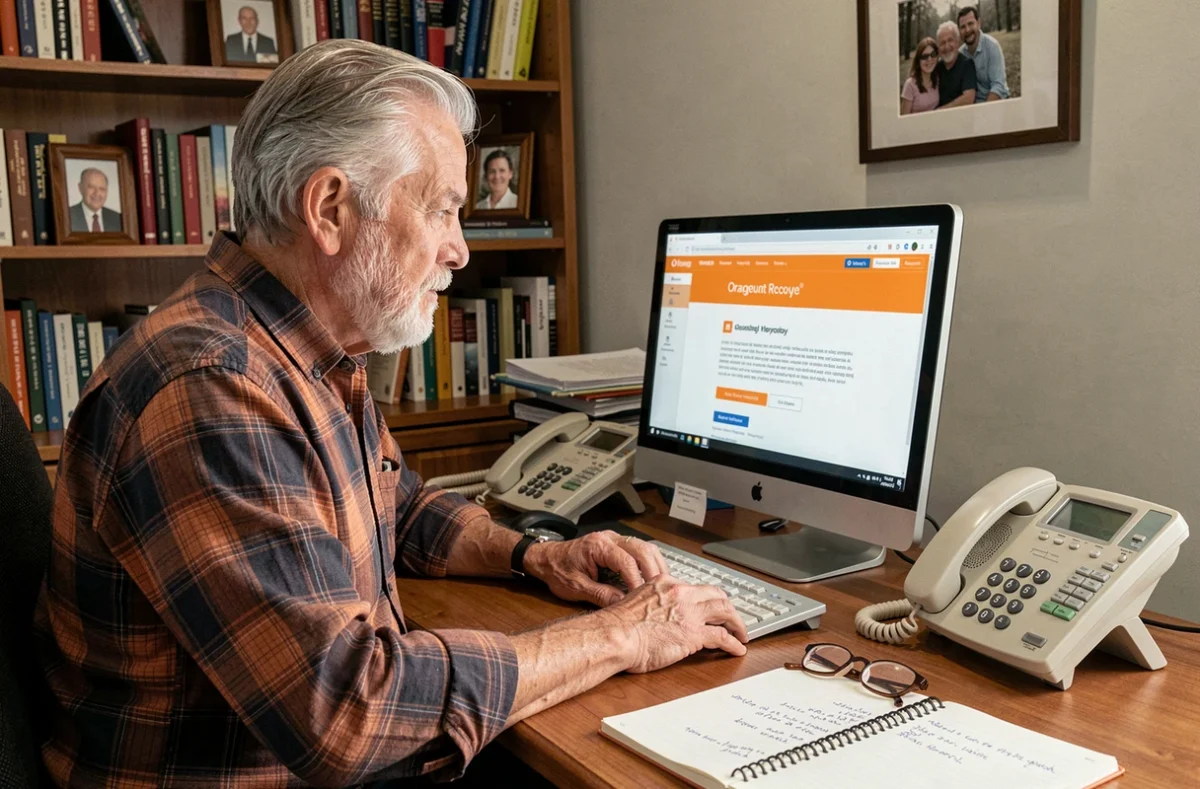
On the Retirees Kiosk login page, you’ll find a “This is my first time logging in or I’ve forgotten my password” link below the input fields. This is where to start.
Password reset steps
- Go to monkiosqueretraites.orange.fr and click the reset link below the password field.
- Enter your retiree ID or personal email address (the one you provided when you retired, not your former work email address).
- A reset code will be sent to you by email or text message, depending on the contact method saved in your profile.
- Enter the code on the page that appears, then choose a new password.
The process takes just a few minutes when everything works as it should. A common pitfall is that your contact email address is out of date. If you’ve changed email providers since retiring without updating your contact details, the reset code will be sent to an inbox you no longer check.
Still locked out after resetting your password? Issues the screen won’t show you
A standard password reset resolves most issues. But some login problems have nothing to do with simply forgetting your password.
No valid contact method
If there’s no email address or mobile number linked to your retiree profile, the reset code may be sent by post. The standard Orange customer area states that delivery takes around ten days. The process may differ for the Retirees Kiosk, and the delivery time isn’t always shown on screen.
In this situation, calling Orange’s dedicated retirees’ service is the quickest way to restore access without waiting for a letter.
Confusing old and current login details
You may still have login details from your former role, such as a CUID. These no longer work on the Retirees Kiosk. Only the retiree ID assigned after you retired is valid.
If you can’t find this ID, search your emails for the welcome message sent when your retiree access was set up. It contained your login details.
When your browser is a little too “helpful”
Web browsers save passwords and automatically suggest them when you log in. After a reset, your browser may enter your old password again without you noticing.
Have you checked what your browser is filling in for you? Simply click the eye icon next to the password field to see what’s been entered. If it’s your old password, remove it from your browser’s password manager before trying to log in again.
Prepare your account to avoid getting locked out again
Recovering a lost password takes time. A few simple precautions can help you avoid going through it again.
- Write down your retiree ID and password in a paper notebook and keep it in a designated place, such as a desk drawer or filing cabinet. A physical copy is still accessible even when your screen won’t cooperate.
- Update the email address and mobile number in your retiree profile as soon as either one changes. Your reset code will be sent through these channels.
- Check once a year that you can still log in, even if you don’t use the kiosk regularly. An account that has been inactive for too long may need to be reactivated, making the process more complicated.
It only takes a few minutes to reset a forgotten password on the Orange Retirees Kiosk when your contact details are up to date. If they aren’t, contacting the dedicated retirees’ service is the most reliable option—and far more effective than repeatedly trying a form that doesn’t recognize your information.